- 2026-01-01: Added information that Grammarly changed its corporate name to Superhuman and, as a result, launched the Superhuman Suite.
What is Grammarly?
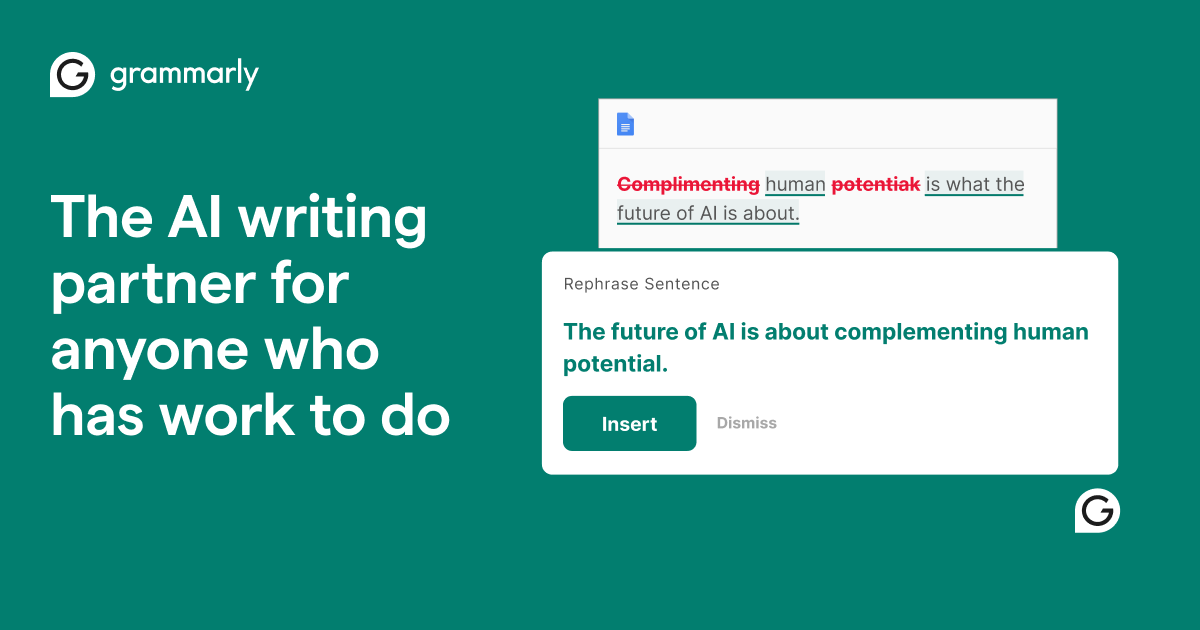
Hi There! Today, I will give you a summary about Grammarly, an AI-driven service designed to check and enhance your English writing.
Unlike translation tools, Grammarly helps ensure that your English is natural and error-free. With browser extensions and desktop applications, it can check your writing directly within your browser or native apps.
Basic Information
| Product Name | Grammarly |
| Company | Grammarly Inc. |
| Official Website | https://www.grammarly.com/ |
| Launch Year | 2009 |
| Free Plan | Available |
Overview
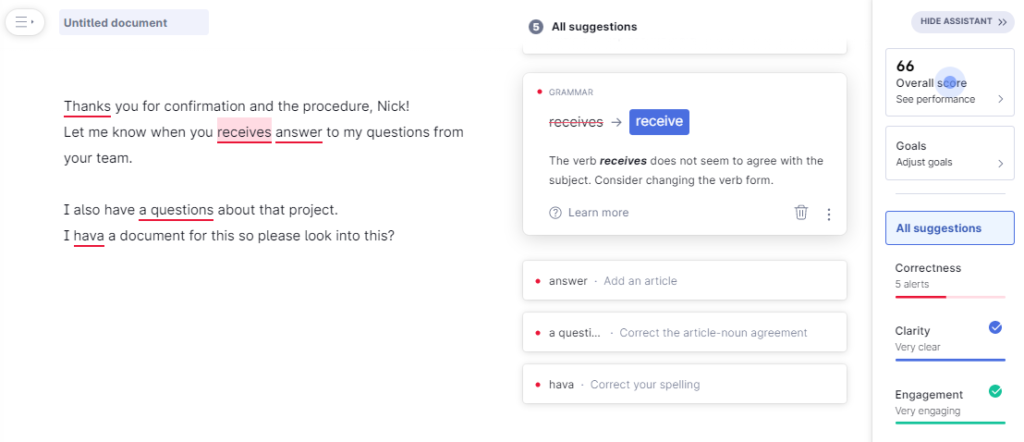
Grammarly is a cloud-based service that supports English writing. Its AI not only checks for spelling, grammar, and punctuation but also reviews writing style and tone, offering corrections and suggestions.
By setting goals for your writing in advance—such as the type of tone or style you want—Grammarly can provide recommendations tailored to your needs.
You can use Grammarly by accessing its editor via a browser or through its apps and extensions. It can check your emails in Gmail or Outlook, as well as documents in Word or Google Docs, in real time.
Grammarly has been recognized by Forbes as one of the Top 100 Cloud Companies in 2021 and has ranked high in numerous lists of AI and software companies.
Grammarly’s interface is in English, so it’s not ideal for users who cannot read English at all. It’s more suitable for those with some English proficiency who want to refine their writing.
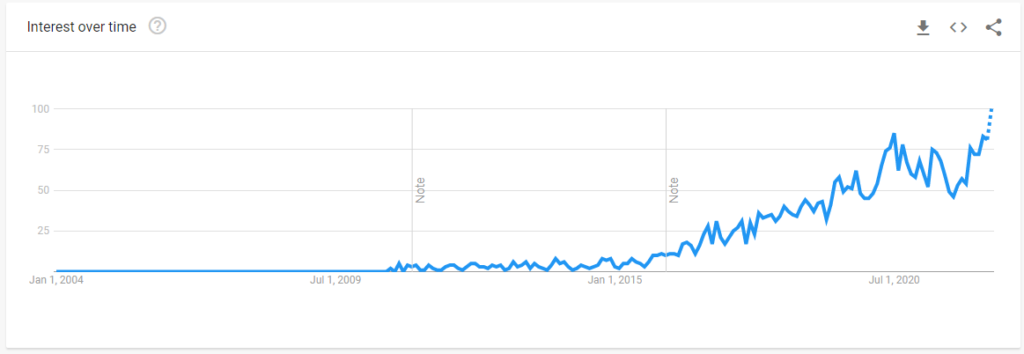
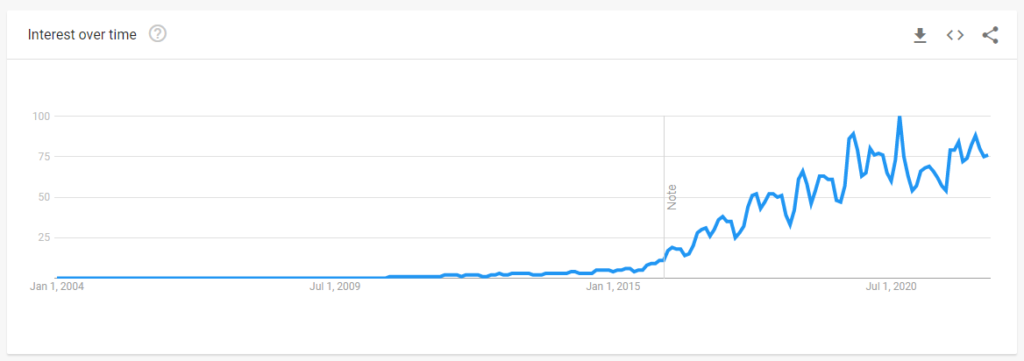
Google Trends Data
Japan
Worldwide
Features
Key Features
- Grammar Check
- Punctuation Check
- Spelling Check
- Clarity Improvement
- Plagiarism Detection
- Tone Consistency Check
- Natural Vocabulary Use Check
Setting Writing Goals
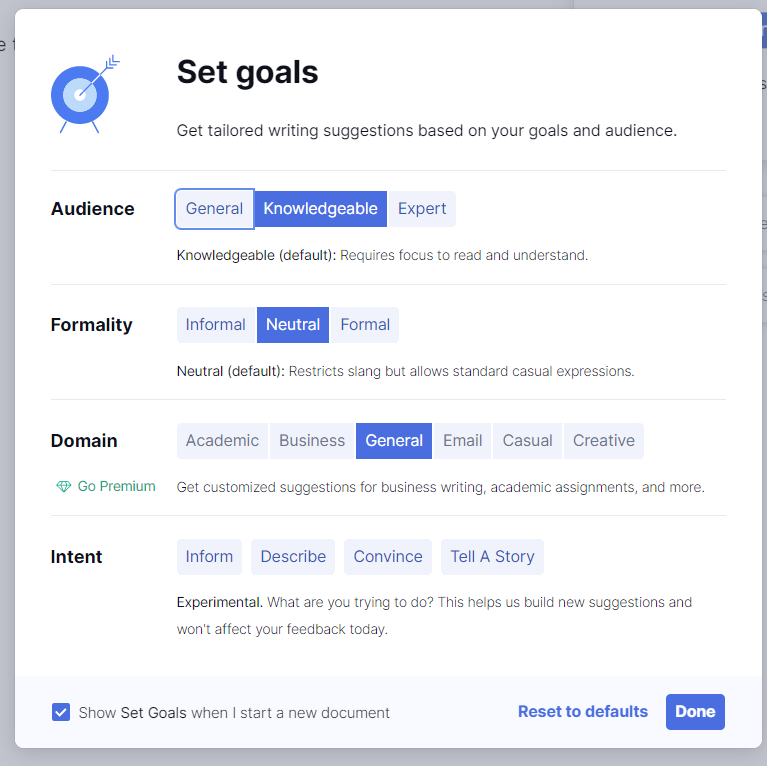
The menu above is a screen for setting the type of text you want to create.
For each document, you can specify “the target audience,” “the level of formality,” “the domain of the audience,” and “the intent.” Based on these settings, the text will be evaluated for appropriateness.
Applications
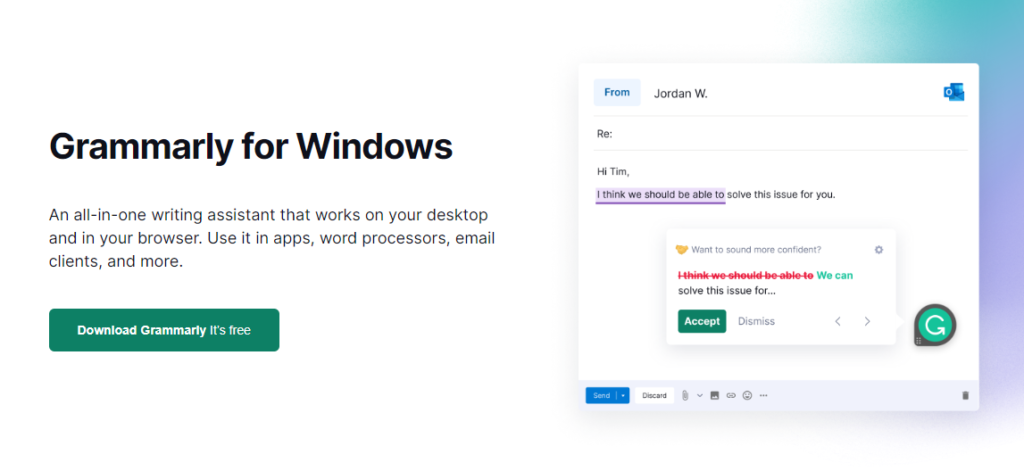
Grammarly offers applications for Windows and macOS, browser extensions for various desktop browsers, and an app for iPhone.
Plan
Grammarly offers plans tailored to each of individuals, teams, and businesses, depending on their scale. For more details, please visit the official website.
A free plan is also available, so I recommend to give it a try first.
From Grammarly to Superhuman
In October 2025, the company that develops and operates Grammarly changed its corporate name to Superhuman. With this rebranding, Grammarly has evolved beyond being a traditional writing assistance tool and has been repositioned as a comprehensive, AI-powered productivity platform.
While the Grammarly service itself continues to be offered, the new Superhuman brand now provides the following services as Superhuman Suite, including Grammarly:
- Grammarly (writing assistance)
- Coda (document creation and collaboration tool)
- Superhuman Mail (AI-powered email client)
- Superhuman Go (new AI assistant)
By integrating these services, Superhuman enables writing, email management, document creation, and AI-driven productivity support within a single unified platform. As a result, users can benefit from more comprehensive and seamless assistance across their workflows.
The most notable highlight, in my view, is Superhuman Go.
Superhuman Go is currently available as a Chrome extension. Once installed, it provides writing assistance across any open browser tab (leveraging Grammarly’s capabilities), as well as features such as page summarization, schedule creation, and contextual information support based on data retrieved from various connected apps.
At the moment, it only works within the browser. However, if native OS applications are released in the future, it is expected that users will be able to access comprehensive AI services across all native apps. This is something I am personally looking forward to.
Be sure to check out the articles and service pages on the official website as well.