What is DeepL Translator?
Basic Information
| Product Name | DeepL Translator |
| Company | DeepL SE |
| Official Website | https://www.deepl.com/translator |
| Launch Year | 2017 |
| Free Plan | Available |
Overview
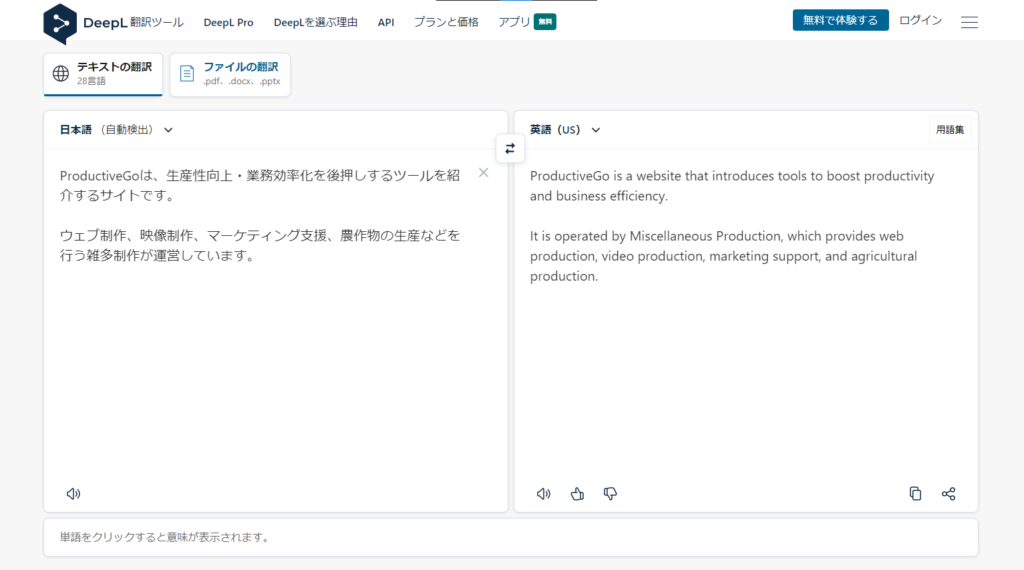
Launched in 2017, DeepL Translator is a neural machine translation service (detailed below).
Initially, it supported translations between seven European languages. Over time, this has expanded to 26 languages and 650 language pairs.
The service is developed by DeepL SE, based in Cologne, Germany.
DeepL Translator can be accessed through web browsers, desktop applications, and mobile apps.
A free version is also available, so you can easily try the service.
Regarding Japanese – English translation, not only its Japanese-to-English translations are highly valued, but also its English-to-Japanese translations are natural. Though it doesn’t guarantee 100% accuracy, its performance is remarkably high.
DeepL offers an API, allowing its functions to be integrated into other products.
As mentioned earlier, DeepL uses neural machine translation (NMT).
I will introduce an explanation from Wikipedia.
Neural machine translation (NMT) is an approach to machine translation that uses an artificial neural network to predict the likelihood of a sequence of words, typically modeling entire sentences in a single integrated model.
Source : Neural machine translation – Wikipedia (https://en.wikipedia.org/wiki/Neural_machine_translation)
Compared to another approach called Statistical Machine Translation (SMT), NMT is characterized by its ability to understand context and learn independently.
This contextual understanding minimizes awkward translations in longer texts and captures nuances specific to languages and cultures.
While Google Translate has significantly improved in recent years—especially in Japanese—it feels like DeepL is one step ahead when it comes to Japanese-English translations.
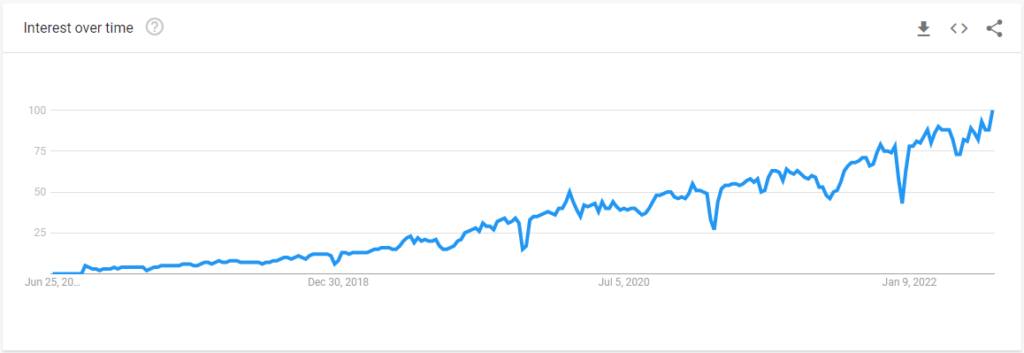
Google Trends Data
Japan
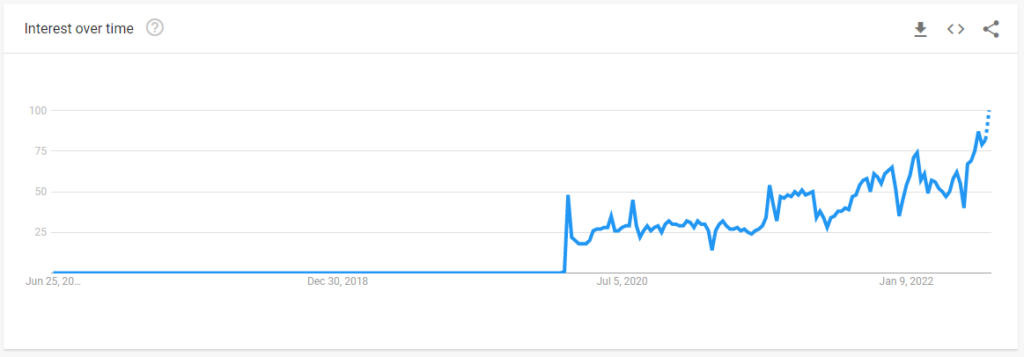
Global
Features
Key Features of the Free Version
- Translate up to
5,000 characters1,500 characters per request (limits have decreased over time). - Translate up to three files per month (editing not allowed).
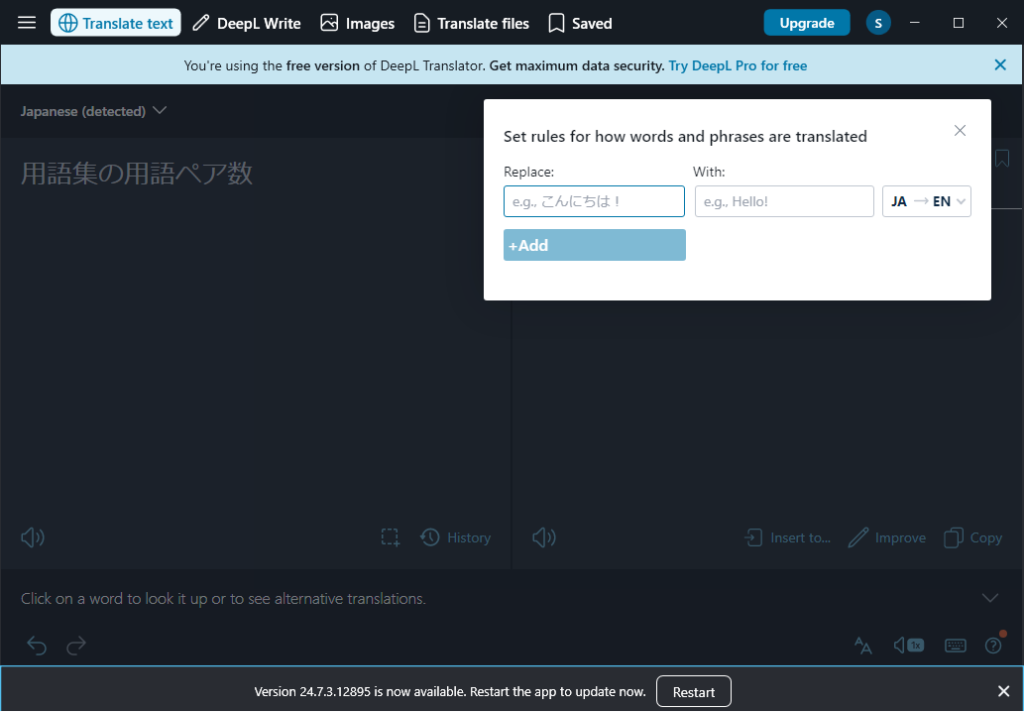
- Create a glossary with up to 10 term pairs.
The glossary feature allows you to register specific translations for terms between two languages.
Desktop Application

DeepL offers desktop applications for Windows and macOS.
After installation, you can translate text by selecting it and pressing Ctrl+C+C (pressing C twice while holding Ctrl). A translation panel pops up.
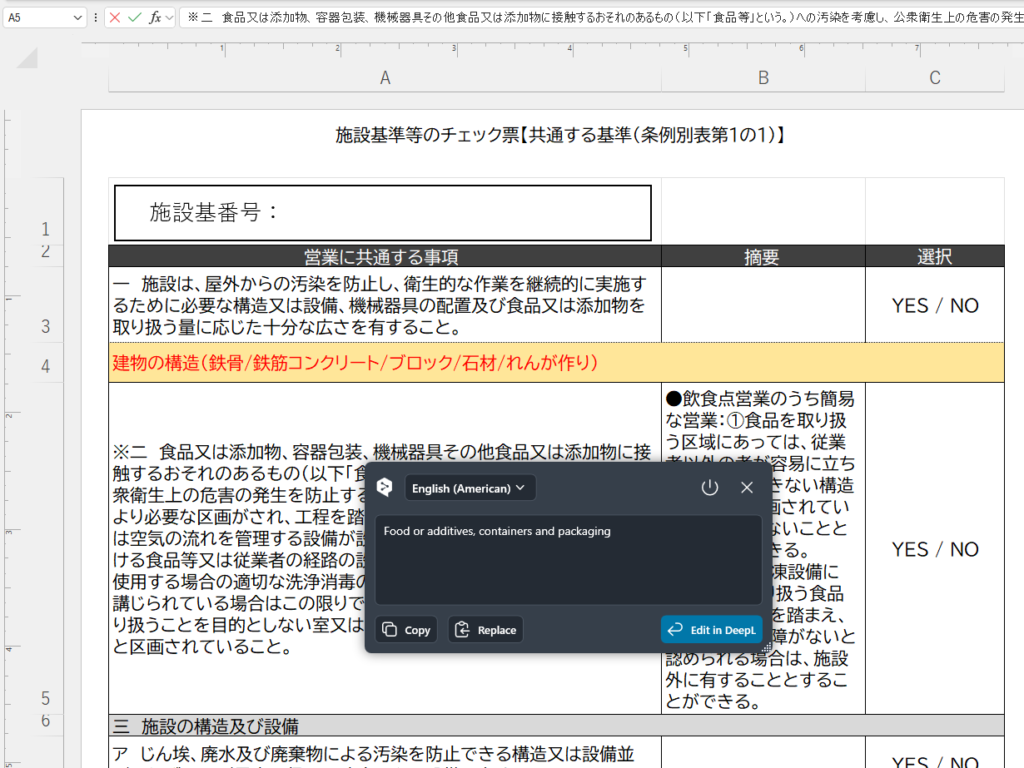
If you want to view translations without leaving the application you are currently using, select the text and press Ctrl+F9. The translation will then appear within the same screen, as shown in the image below.
The following image shows the screen that appears when text within an Excel cell is selected and Ctrl+C+C is pressed. The DeepL translation panel is displayed directly in Excel (the Excel content is a document provided by the health office regarding processing facilities).
Mobile Application
Apps are also available for smartphones, including iOS and Android.

In the smartphone app, the text you input is translated and displayed in the panel below.
You can also share the translated text.
Please check the official website for the latest information.