What is Feedly?
Hi, there. Today, I’d like to introduce Feedly, an article aggregation service that I’ve been using for many years.
Although it doesn’t support Japanese, it’s still a widely used service in Japan.

Basic Information about Feedly
| Product Name | Feedly |
| Company | Feedly |
| Official Website | https://feedly.com/ |
| Launch Year | 2008 |
| Free Plan | Available |
Feedly is a tool that aggregates the latest articles from your favorite websites. Previously known as an RSS reader, this type of service is now also referred to as a “news aggregator (application).”
In addition to a web browser version, Feedly offers apps for smartphones and tablets.
News aggregation services gained popularity around 2010, and Feedly has survived this competitive era, continuing to be loved by many users.
What makes it appealing is its ability to gather the latest updates from sources you personally select, giving you control instead of leaving the choices to news apps.
Many of articles are imported directly into Feedly, allowing you to read them without visiting the actual website.
What Feedly Can Do
- Register any website to show the latest articles
- Categorize articles by topic
- Search through articles
- Create boards and save selected articles
Additional features available in the paid version are as follows.
- Remove unwanted content using AI
- Gather information from sources like Google News Feeds and Twitter
- Save articles to Evernote, Pocket, or OneNote
- Share to platforms like LinkedIn, Buffer, IFTTT, and Zapier
- And more…
Screenshots
Article List from Registered Sites
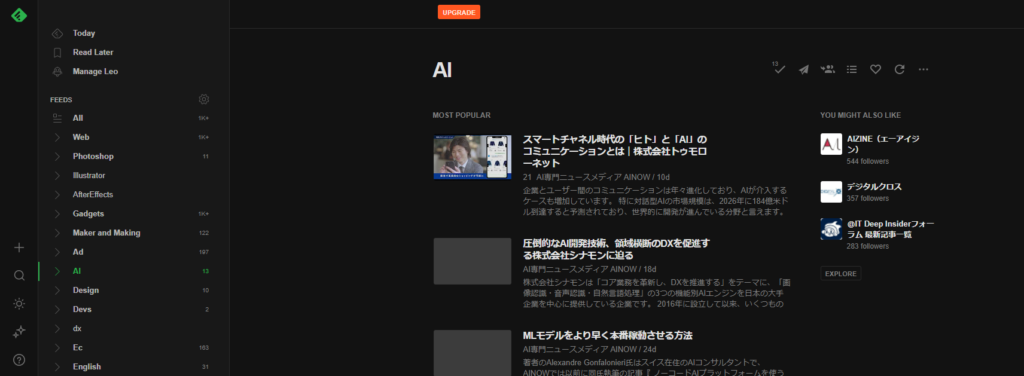
You can create custom categories to organize and classify articles.
Articles style shown in Feedly
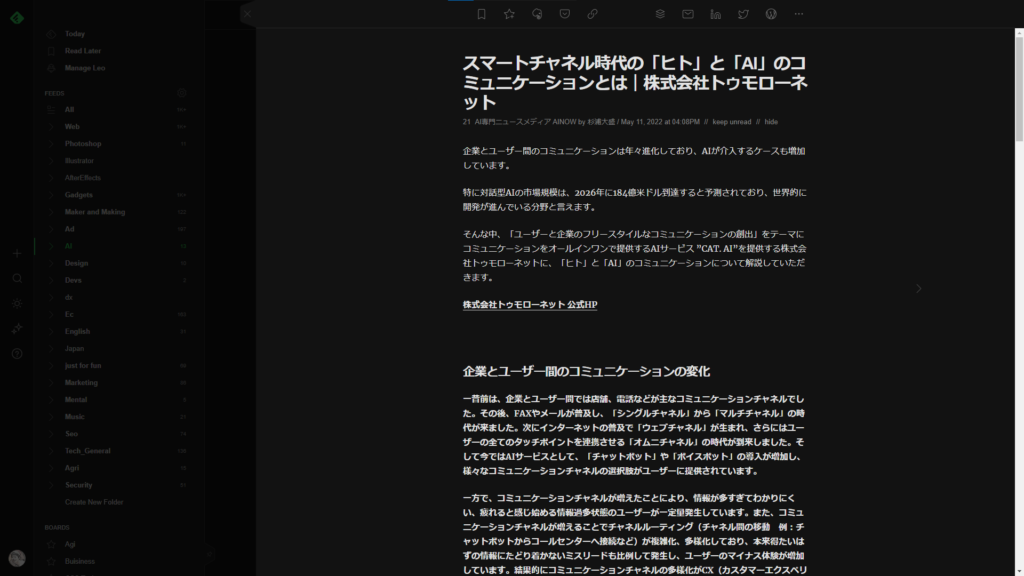
Many of articles can be read directly within Feedly without navigating to the original article page.
However, the design may not always match the original article layout.
In such cases, you can move to the original article by clicking the title or a button at the end of the article.
Website Registration Screen
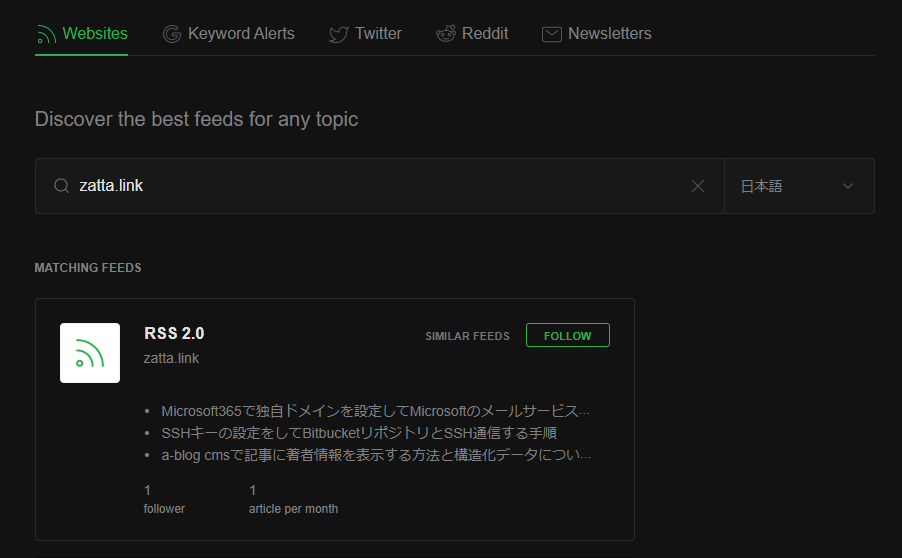
Enter the URL of the site you want to register, and Feedly will fetch the feed for you.
Pricing
Above the free plan, there are two higher-tier plans, and beyond that, an enterprise version.
I’ve been using the free version, so I can’t say much about the service… but Feedly is definitely one of essential apps I hope never disappears.